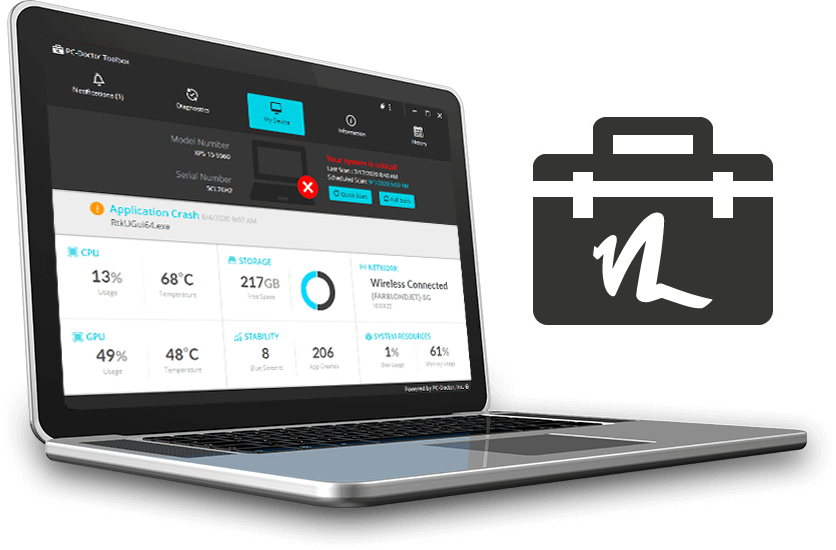
When it comes to technology, there’s a proverb called “Murphy’s Law” which kind of rings true: “Anything that can go wrong will go wrong”. As downbeat as that sounds, there’s a grain of truth there. Even though our cutting-edge devices look sleek and perfect on the outside, they’re still an incredibly complex jumble of electronics and software on the inside. It’s only a matter of time before something stops working as well as it should. When something does “go wrong” with a computer it’s easy to feel helpless. Fortunately, unlike poor old Murphy, we have tools to analyze and resolve these problems. These are collectively described as diagnostics.
We’ll get your computer firing on all cylinders before you know it! Or, if you’d like to run some tests on your own, here’s a short guide to some computer diagnostic tools you can use to peer into your computer’s technological innards.
Are you running out of file storage space?
This might sound a bit obvious but one of the most common and easily fixed problems is a lack of storage space. When you’ve used up around 85% to 90% of your hard drive’s storage capacity, your computer will slow down. Often drastically. Luckily, this is a problem you can easily diagnose. On a windows machine, open ‘File Explorer’ (Windows key and E). Click on ‘This PC’. You’ll see a handy bar chart showing your drive capacity. On a Mac, from the Apple menu, select ‘About This Mac’, then select the ‘Storage’ tab. You’ll see a neat, color-coded bar chart showing exactly how much data you’re using.
If storage is the problem, simply deleting unneeded files will make your computer as zippy as the day you first bought it. If you can’t see files you can easily delete then I hate to break it to you but it’s probably time to invest in an external hard drive or cloud storage.
Do you have malicious software cluttering your system?
Viruses, adware, and malware can cause all kinds of issues with your computer, from little things like pop-up windows through to really serious stuff like the complete paralysis of your operating system or having your data stolen. Even if you are careful and have a virus protection tool, it’s surprisingly easy to accidentally let adware and malware into your system. These nasty pieces of software will frequently come bundled with other software packages and if you’re not paying attention you may have clicked “yes” to installing malware without fully understanding what you were saying yes to. However the malicious code got there, it’s important to remove it swiftly.